Deploy WarpStudio as a standalone Web Server.
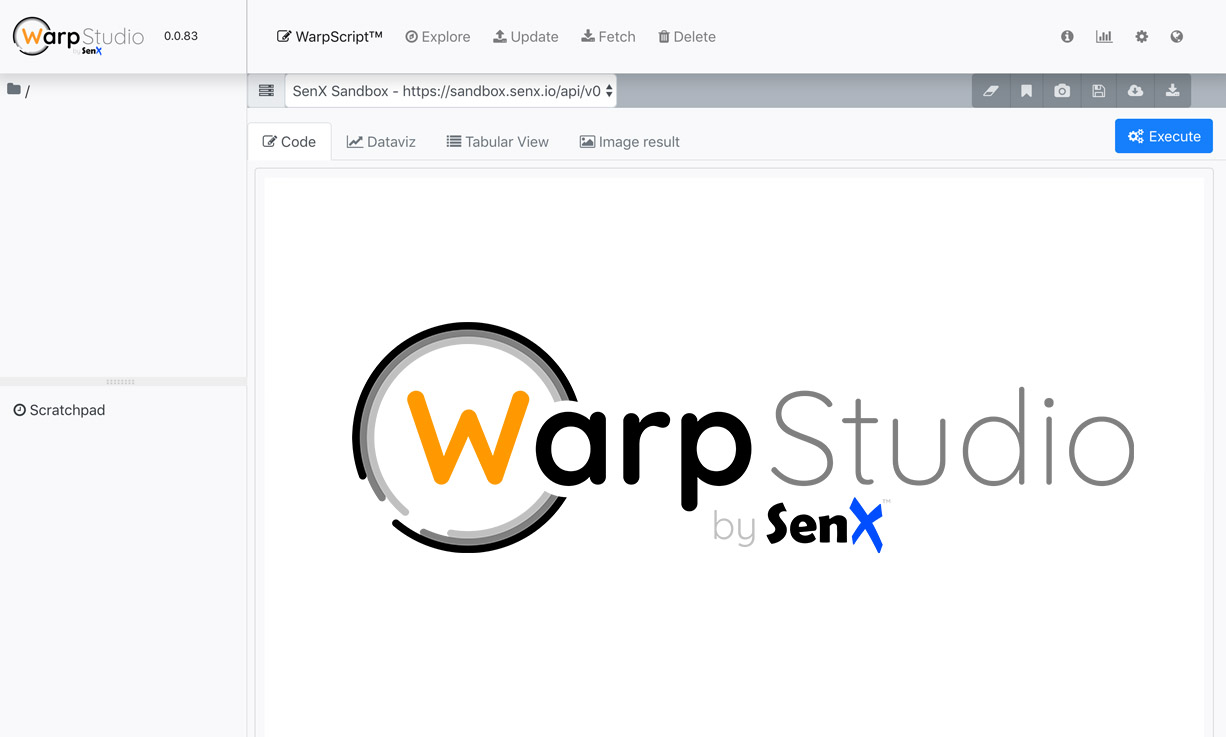
WarpStudio is our WarpScript Web IDE. It comes as a Warp 10 plugin, but you can deploy it as a standalone Web Server.
| You don't know about WarpStudio? Discover the Web IDE dedicated to Warp 10 and WarpScript in this post. |
At first, download the WarpStudio package here.
Now you can run simply it:
java -jar warp10-warpstudio-server.jarWarpStudio is now running on http://127.0.0.1:8082
You can pass it a properties file as a command line argument:
java -jar warp10-warpstudio-server.jar ws.propertiesAccepted properties are:
warpstudio.port = 8082
warpstudio.host = 127.0.0.1
warpstudio.ssl.host =
warpstudio.ssl.port =
warpstudio.ssl.tcp.backlog =
warpstudio.ssl.acceptors = 2
warpstudio.ssl.selectors = 4
warpstudio.ssl.keystore.path =
warpstudio.ssl.keystore.password =
warpstudio.ssl.cert.alias =
warpstudio.ssl.keymanager.password =
warpstudio.ssl.idle.timeout =
So, as you can see, you can use a key store to expose WarpStudio over HTTPS.
| Discover how to connect Tableau and Warp 10 |
It's up to you to freely deploy it on your infrastructure.
Read more
HTTP Plugin
Discover the HTTPPlugin. It allows you to expose an HTTP endpoint in Warp 10 and handle requests with WarpScript.
Hosting Web content in Warp 10
Why bother with a dedicated web server when Warp 10 can host your Web content?
WarpStudio v2: What's new in our Web IDE?
WarpStudio 2 is out. Discover amazing new features and enhancements. New Dataviz, multi-storage capabilities, embedded documentation and so on.

Senior Software Engineer